
Key Takeaways
- →ComfyUI pipelines reduce product photography costs by 96% vs traditional shoots
- →Automated pipelines produce 100+ consistent product images per hour
- →The 4-phase pipeline: background removal, environment generation, lighting matching, batch processing
- →Hardware requirement: RTX 4090 or cloud GPU ($1-3/hour) for production quality
- →Start with flat-lay products - they have the highest AI quality and easiest pipeline setup
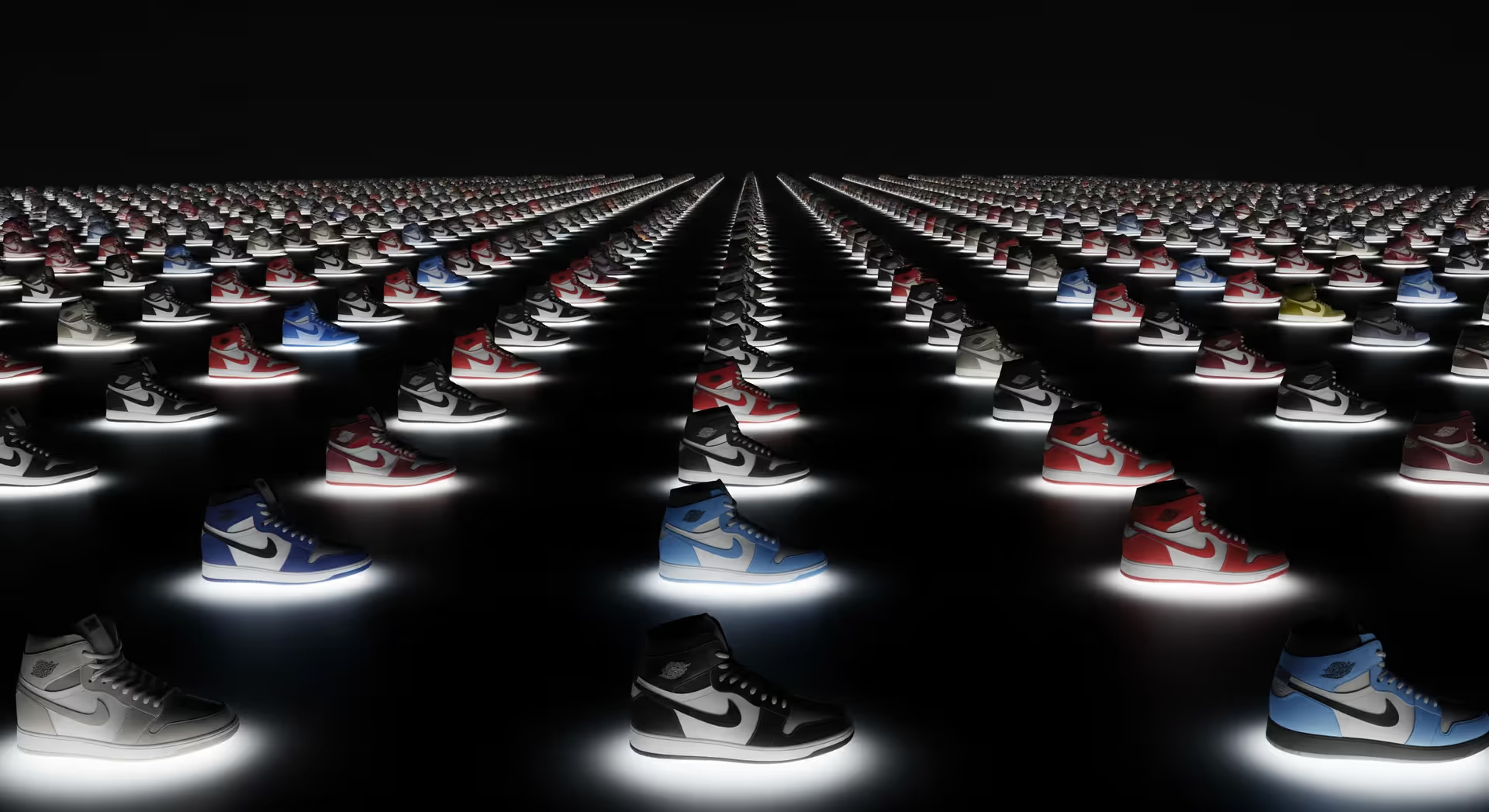
Most e-commerce brands are burning money on product photography and they don't even realize it. You're paying $50 to $150 per image, waiting days for revisions, and watching your competitors launch products faster. The problem isn't your photographer. It's your entire approach to visual content at scale.
I've worked with brands shooting 200+ products monthly, and the math is brutal. At $100 per image with 5 angles each, that's $100,000 annually just for basic shots. If you're also spending on video content, the AI video generation landscape offers the same scale economics for motion assets. Add lifestyle scenes, seasonal updates, and A/B testing variations, and you're looking at $250,000+ before you see a single sale. There's a better way, and it involves rethinking product photography as a pipeline, not a photoshoot.
The Old Way vs. The AI-First Way
The Old Way (How 90% of Brands Waste Money):
Traditional product photography operates like a bottleneck factory. You schedule a studio day, ship products, wait for the photographer's availability, review proofs, request revisions, and finally get images back 7-14 days later. Each product requires multiple setups for different angles and scenes. If you need seasonal variations (summer backgrounds, holiday themes), you repeat the entire process. The average cost sits at $50-150 per finished image, with premium lifestyle shots hitting $300+.
The hidden costs hurt more. Your marketing team can't test new concepts quickly. Launching products takes weeks because you're waiting on images. When a competitor drops a similar product, you can't respond fast enough. Your catalog grows but your visual content budget doesn't scale proportionally.
The New Way (How Top 1% Scale Visual Content):
building an AI-first organization brands treat product photography as an automated pipeline. They shoot products once against a simple background, then use ComfyUI workflows to generate unlimited variations. Different scenes, lighting conditions, seasonal backgrounds, and lifestyle contexts all come from one master image. Processing time drops from 12 minutes per product to 47 seconds. Cost per image falls to $0.10-0.50 when you factor in the full workflow.
The competitive advantage is speed. Fashion brands can test 10 different background styles in an hour and push winners live immediately. Electronics companies generate product-in-use scenes without booking models or locations. One brand I worked with processes 1,000 product variations daily with a two-person team.
The Core Framework for ComfyUI Product Pipelines
Building a scalable ComfyUI pipeline requires three phases, and most companies skip straight to tools without understanding the strategy.
Phase 1: Master Image Acquisition
Start with clean source material. Shoot products on white or neutral backgrounds with consistent lighting. You don't need $10,000 studio setups anymore. A lightbox and smartphone with decent resolution works fine because ComfyUI handles the enhancement. The key is consistency, not perfection. Capture products from 3-5 standard angles. This becomes your master library.
Phase 2: Pipeline Design
This is where ComfyUI shines. Design node-based workflows that take your master images and output variations systematically. Your pipeline should include background removal using BiRefNet or similar nodes, relighting with IC-Light for different moods, and scene composition where products drop into generated backgrounds. Instead of manually editing each image, you're building a factory that processes hundreds automatically.
One workflow I built takes a product image, removes the background, generates 5 different lifestyle scenes (kitchen counter, office desk, outdoor, luxury setting, minimalist), adjusts lighting to match each scene, and outputs all variations in under 2 minutes. That same task traditionally takes a full day and costs $500-1,500.
Phase 3: Quality Gates and Iteration
Automation without quality control creates garbage at scale. Build comparison nodes into your workflow that let you review multiple outputs side-by-side. Use KSampler settings to control consistency. Set up batch processing for bulk catalogs but maintain human review checkpoints for new product types. The goal is 95% automation with 5% strategic oversight, not 100% hands-off.
The Hard ROI (Why This Actually Matters)
Let's run real numbers because this is where most articles get vague and useless.
Scenario: Mid-size E-commerce Brand
- Product catalog: 500 items
- New products monthly: 50
- Images per product: 5 angles + 3 lifestyle scenes = 8 images
- Annual new images needed: 50 x 12 x 8 = 4,800 images
Traditional Photography Costs:
- 4,800 images x $75 average = $360,000 annually
- Time per batch (50 products): 2-3 weeks
- Revision cycles: 20-30% require edits, add 1 week each
ComfyUI Pipeline Costs:
- Initial setup: $2,000 (one-time learning and workflow building)
- GPU compute (cloud-based): $0.30 per image batch of 8 = $1,800 annually
- Staff time (2 hours weekly for batch processing): $10,000 annually
- Total first year: $13,800
- Savings: $346,200 (96% cost reduction)
But the real ROI is speed. Brands using AI product photography report 87% revenue uplifts because they can test and iterate faster. When you can generate 20 different product presentations in an hour instead of waiting 3 weeks, you find winners faster. One fashion retailer saw 60% conversion rate increases simply by testing more lifestyle contexts and shipping winning variations within days instead of months.
The time savings compound. If your marketing team saves 15 hours per week not managing photoshoots and revisions, that's 780 hours annually. At $50/hour blended rate, that's another $39,000 in reclaimed productivity. Your team shifts from managing vendors to optimizing conversions.
Tool Stack and Implementation
Core Tools:
- ComfyUI: The workflow engine. It's node-based, which means visual programming instead of code. Use it to chain together image processing steps.
- IC-Light: Handles intelligent relighting so products match their new backgrounds naturally.
- BiRefNet or InspyreNet: Background removal that actually works on complex products (glass, transparent items, fine details).
- Stable Diffusion XL or Flux models: Generate background scenes and lifestyle contexts.
Why ComfyUI Over Alternatives:
Midjourney creates beautiful images but lacks control for product work. You can't guarantee your exact product appears correctly. Photoshop's AI is improving but requires per-image manual work. ComfyUI gives you the control of Photoshop with the automation of code, all in a visual interface. Once you build a workflow, running it on 100 products takes the same effort as running it on 1.
Implementation Path:
Don't try to automate everything day one. Start with your highest-volume, simplest products. Build one workflow that handles background swaps. Test it on 50 products. Measure quality and speed. Then expand to relighting and lifestyle scenes. Most brands get ROI-positive within 30 days of their first working pipeline.
If you're not technical, hire a ComfyUI specialist for $2,000-5,000 to build your first three workflows. Then train an internal team member to run and modify them. This is infinitely cheaper than ongoing agency relationships that cost $5,000-10,000 monthly. Our AI graphic design services can set up and hand off a production-ready ComfyUI pipeline tailored to your product catalog.
Stop Waiting, Start Building
Product photography shouldn't be your bottleneck in 2026. The brands winning right now are the ones treating visual content as a scalable system, not a creative service. They're testing faster, launching quicker, and spending 90% less on image production.
You have two choices. Keep scheduling photoshoots and watching your budget disappear, or spend one week building a ComfyUI pipeline that runs for years. The technology exists today. The ROI is provable. The only question is whether you'll move before your competitors do.
Don't just read this. Go identify your 10 highest-volume products and map out one workflow that could automate their image variations. For brands looking to complement product images with AI-generated lifestyle scenes, virtual influencer campaigns add another channel for your visual assets. That's your starting point. Build it this week, not next quarter.
Keep Reading
For the complete strategic picture, read AI video production tools and techniques.
You might also find value in the end of stock photography.
Related: the strategic framework behind AI transformation.
Ready to take the next step? Book a free strategy call or explore our services.
Frequently Asked Questions
How much does AI product photography cost vs traditional?+
Can AI product photos match studio quality?+
What hardware do I need for AI product photography?+
How do I set up a ComfyUI product photography workflow?+
What is product photography automation with AI?+
Can ComfyUI replace traditional product photography?+
What hardware do I need for ComfyUI product photography workflows?+
Ready to scale your product photography with AI-powered ComfyUI pipelines? Let's automate your studio.
Explore AI Visual ServicesAbout the Author

Rajat Gautam
AI Consultant & Founder
My work goes far beyond recommending tools - I design AI systems that integrate directly into your workflows, eliminate inefficiencies, and deliver measurable business impact. Every solution I build is tailored, practical, and built with long-term scalability in mind.
Need help with this?
Related Topics
Related Articles
Ready to transform your business with AI? Let's talk strategy.
Book a Free Strategy Call